


A dual-band WiFi camera is a wireless security camera that supports both 2.4GHz and 5GHz WiFi networks. This gives the camera more flexibility when connecting to a router: 2.4GHz is generally better for longer range and wall penetration, while 5GHz provides higher available bandwidth and is often less congested.
Dual-band does not mean the camera has two lenses, nor does it automatically mean both WiFi bands are used at the same time. Its main advantage is simple: more network options for different installation conditions.
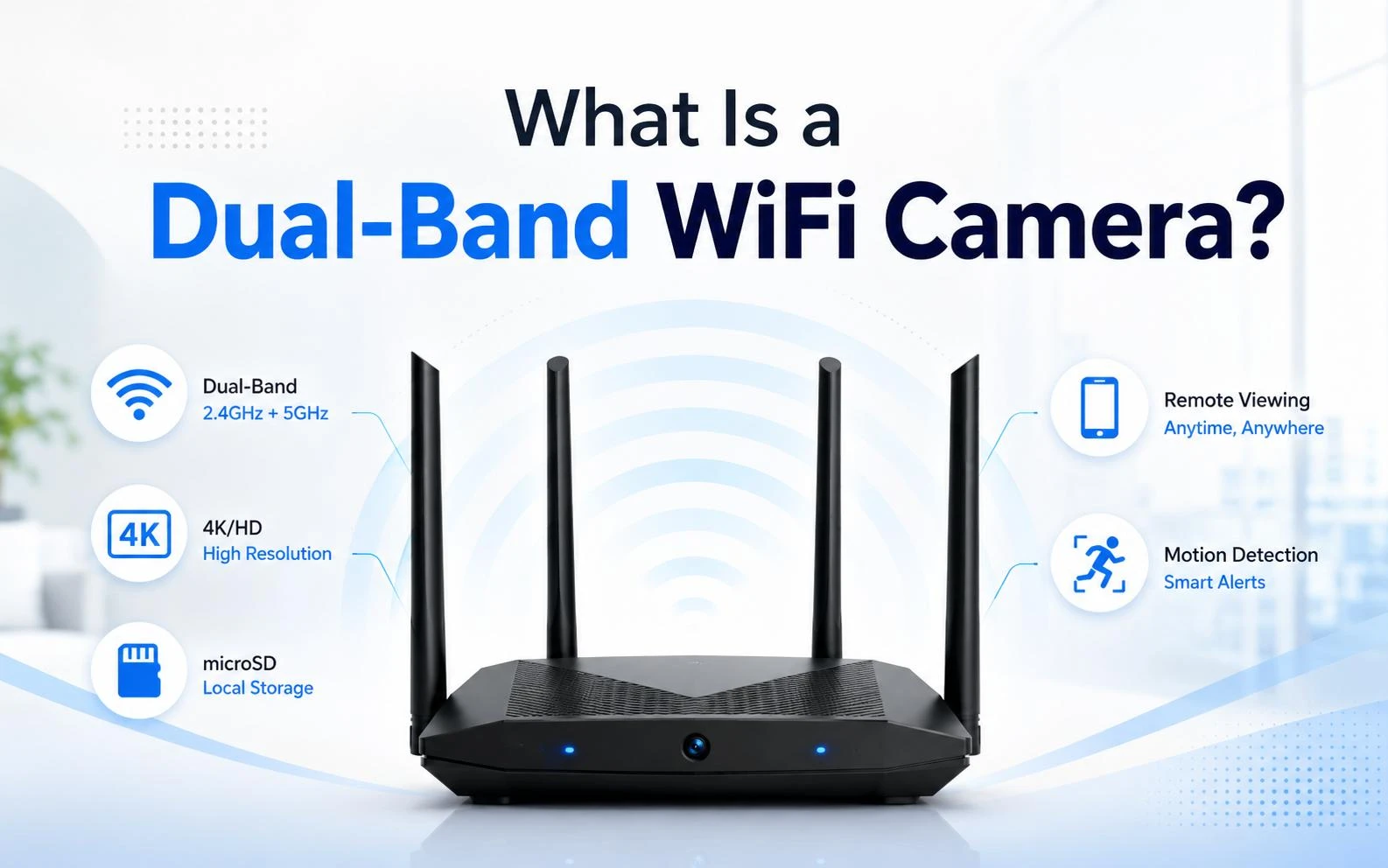
What Is a Dual-Band WiFi Camera?
In security cameras, dual-band WiFi means that the camera's wireless hardware can communicate over both the 2.4GHz and 5GHz frequency bands.
A conventional single-band WiFi camera often supports only 2.4GHz. A dual-band WiFi security camera can also connect to a compatible 5GHz network, giving users another option when distance, interference, or network traffic affects connectivity.
The term describes the camera's wireless connection capability, not its imaging system. Dual-band does not mean:
two camera sensors;
two lenses;
two simultaneous video streams;
or a 5G cellular connection.
It is also important not to assume that every dual-band camera automatically switches between 2.4GHz and 5GHz while operating. Some products or router systems support automatic band selection or steering, while others require a network to be selected during setup.
If you first need a broader explanation of how a network-connected hidden camera operates, our guide to what a WiFi hidden camera is and how it works covers the basic connection and remote-viewing concepts.
The most useful way to understand dual-band is not as "a faster camera," but as a camera with more WiFi connection flexibility.

How Does a Dual-Band WiFi Camera Work?
A WiFi security camera captures and encodes video, then uses a wireless network to send data through a router or access point. Depending on the product, this connection can support live viewing, alerts, playback, cloud services, local network recording, or access through a mobile app or NVR.
A typical connection path looks like this:
Camera → WiFi Router / Access Point → Local Network or Internet → App, NVR, or Viewing Device
With a dual-band WiFi camera, the wireless connection can use either a 2.4GHz network or a 5GHz network, provided that the camera and router support compatible settings.
Which band works better depends on practical factors such as:
distance from the router;
walls and other obstacles;
wireless signal strength;
congestion from nearby devices and networks;
router configuration;
antenna performance;
camera firmware and WiFi hardware.
For users who need to access cameras away from the installation site, the WiFi connection is only one part of the system. Our guide to WiFi camera remote viewing explains how WiFi, network access, apps, and cellular alternatives fit together.
Dual-band expands the available connection choices, but it does not replace proper antenna design, router coverage, or a stable network configuration.
2.4GHz vs 5GHz for WiFi Cameras
The difference between 2.4GHz and 5GHz matters because the two bands behave differently in real installations.
|
Feature |
2.4GHz WiFi |
5GHz WiFi |
|
Typical coverage |
Longer |
Shorter |
|
Wall penetration |
Generally better |
Generally weaker |
|
Available bandwidth |
Lower |
Higher |
|
Network congestion |
Often higher |
Often lower |
|
Typical camera placement |
Farther from router, more walls |
Closer to router or access point |
|
Main advantage |
Coverage |
Bandwidth and lower congestion |
2.4GHz WiFi: Better for Range and Walls
The 2.4GHz WiFi band is widely used because it normally provides greater coverage and performs better through walls and other indoor obstacles.
For a camera installed several rooms away from the router, this can matter more than maximum theoretical network speed. A usable signal at the installation point is more important than a faster WiFi band that reaches the camera poorly.
The trade-off is congestion. Many WiFi and smart-home devices use 2.4GHz, and other electronics may contribute to interference in the same general radio environment. When many nearby devices compete for airtime, the available network capacity for the camera may decrease.
This is why actual WiFi camera range depends on much more than a manufacturer's distance specification. Walls, router placement, antenna design, interference, and installation height can all affect the usable connection.
For cameras farther from the access point or behind several walls, 2.4GHz is usually the better starting point.
5GHz WiFi: More Bandwidth and Less Congestion
The 5GHz WiFi band generally provides higher available data rates and more room for network traffic. It is often less congested than 2.4GHz, especially in environments with many older wireless and smart-home devices.
That makes 5GHz useful for a camera positioned relatively close to the router, particularly when the device is transmitting high-resolution live video or when the 2.4GHz network is busy.
For example, a 4K WiFi hidden camera may generate more demanding video traffic than a lower-resolution camera, making network conditions more important for smooth live viewing and playback.
Video compression also matters. Higher resolution does not always mean proportionally higher network traffic because the codec and bitrate settings affect how much data is transmitted. The differences between H.264 and H.265 for security cameras are therefore relevant when evaluating bandwidth requirements.
5GHz still has a limitation: its signal normally weakens faster as distance and obstacles increase.
It is also important to separate image quality from network transmission quality. Connecting a camera to 5GHz does not improve its sensor, lens, or native resolution. It can provide better network conditions for transmitting the video that the camera already produces.
Should You Use 2.4GHz or 5GHz for a Security Camera?

There is no single best WiFi band for every security camera. The better option depends mainly on where the camera is installed and how the local wireless network behaves.
Use 2.4GHz When Range Is the Priority
Start with 2.4GHz when:
the camera is relatively far from the router;
several walls separate the camera and access point;
the 5GHz signal is weak at the installation position;
coverage matters more than maximum available bandwidth.
This is common for cameras installed in garages, different rooms, or at the edge of a building's WiFi coverage.
Use 5GHz When Bandwidth or Congestion Is the Priority
Consider 5GHz when:
the camera is close to the router or access point;
the 2.4GHz network is crowded;
several wireless devices are active at the same time;
high-resolution live viewing is used frequently;
a strong 5GHz signal is available at the camera location.
A practical rule is to prioritize signal quality before theoretical speed. A weak 5GHz connection can perform worse than a strong 2.4GHz connection.
That is the main reason dual-band support is useful: the camera is not locked to one frequency for every installation.
What Are the Benefits and Limitations of a Dual-Band WiFi Camera?
The main benefit of a dual-band WiFi camera is greater control over the wireless connection.
A dual-band model provides several practical advantages:
More connection options: the camera can connect through either supported band.
Greater installation flexibility: 2.4GHz can be used where coverage is more important, while 5GHz can be considered closer to the access point.
More options in congested networks: when one band becomes crowded, the other may provide a better connection.
Better conditions for high-resolution video transmission: a strong 5GHz network can offer more available bandwidth for live video and playback.
Better compatibility with modern network environments: many current routers provide both 2.4GHz and 5GHz WiFi.
There are also limitations.
Dual-band WiFi does not guarantee that a camera will never disconnect. Actual performance still depends on the router, walls, wireless interference, antenna layout, RF design, firmware, and the physical structure of the product.
This last point is particularly important in compact cameras. A small housing leaves less space for antenna placement and PCB layout, so WiFi performance is influenced by engineering decisions beyond the wireless module itself. A DIY hidden camera WiFi module, for example, must be integrated with suitable power, structure, antenna placement, and thermal considerations.
Dual-band also does not mean that a camera continuously combines the capacity of both bands. For most security cameras, the term primarily means compatibility with both frequencies and the ability to use the more appropriate one.
Dual-Band vs Single-Band WiFi Cameras
A single-band camera is not automatically outdated. If a stable 2.4GHz connection already covers the installation point and provides sufficient video performance, it can work well.
The main difference is how many wireless options are available.
|
Factor |
Single-Band WiFi Camera |
Dual-Band WiFi Camera |
|
Supported bands |
Usually one band, commonly 2.4GHz |
2.4GHz and 5GHz |
|
Network flexibility |
Limited |
Higher |
|
Response to congestion |
Fewer alternatives |
Another supported band may be available |
|
Installation options |
Depends on one band |
Better adaptation to different locations |
|
Setup |
Usually simpler |
May provide more network choices |
|
Typical cost |
Often lower |
May be somewhat higher |
For simple installations, single-band may be sufficient.
Dual-band becomes more useful when cameras are installed across different parts of a building, when wireless traffic is heavy, or when the network may change over time. It is therefore better viewed as a flexibility feature than as a universal requirement.
Router Compatibility and Band Switching
A dual-band camera still depends on the router or access point around it. Supporting 5GHz on the camera is useful only when a compatible 5GHz network is actually available.
Does a Dual-Band Camera Need a Dual-Band Router?
If you want the camera to connect through 5GHz, the router or access point must provide a compatible 5GHz WiFi network.
A dual-band camera can still use its supported 2.4GHz connection when only a compatible 2.4GHz network is available. It simply cannot connect to a 5GHz network that the router does not provide.
This is why router specifications and network configuration should be checked before assuming a connection problem is caused by the camera.
Does a Dual-Band Camera Switch Automatically?
Not necessarily.
Dual-band compatibility and automatic band switching are different functions.
Some cameras or router systems can automatically select a suitable band or use band-steering technologies. Other products may require the user to select a network during setup.
Actual behavior depends on the camera hardware, router, firmware, SSID configuration, and network design. A product described only as "dual-band" should not automatically be assumed to perform continuous real-time switching.
Why Won't a Camera Connect to 5GHz?
Common reasons include:
the camera supports only 2.4GHz;
the 5GHz signal is too weak at the installation position;
the router's 5GHz network is disabled;
the camera and router have incompatible network or channel settings;
the SSID or password is incorrect;
firmware or device setup causes a compatibility problem.
Confirm the camera's actual supported bands first, then test the WiFi signal where the camera will be installed.
Is Dual-Band the Same as WiFi 6 or 5G?
No. These terms describe different parts of wireless technology.
|
Term |
Meaning |
|
Dual-Band |
Support for both 2.4GHz and 5GHz WiFi |
|
5GHz WiFi |
A WiFi frequency band |
|
WiFi 5 / 802.11ac |
A WiFi technology generation |
|
WiFi 6 / 802.11ax |
A newer WiFi technology generation |
|
5G |
Cellular mobile network technology |
A camera can be dual-band without being a WiFi 6 camera.
WiFi 6 adds technologies such as OFDMA, BSS Coloring, and Target Wake Time (TWT), which are designed to improve network efficiency, device coordination, and power management. These features can become useful when multiple cameras and other connected devices share the same wireless environment.
5GHz WiFi should also not be confused with cellular connectivity. A 5GHz camera still depends on a local WiFi network. A cellular camera communicates through a mobile network. For applications where local WiFi is unavailable, the differences between a WiFi camera and a 4G camera become more important than the choice between 2.4GHz and 5GHz.
Frequently Asked Questions About Dual-Band WiFi Cameras
Can a Dual-Band Camera Use 2.4GHz and 5GHz at the Same Time?
Do not assume so. In most security-camera applications, dual-band means the camera is compatible with both frequency bands and can connect through one of them.
Simultaneous transmission over both bands would require hardware and software specifically designed for that function.
Is 5GHz Better for 4K Security Cameras?
A strong 5GHz connection can be useful for high-resolution video because it generally provides more available bandwidth and may encounter less congestion.
However, 4K resolution itself is determined by the camera's image sensor, image processing system, and video encoder-not by the WiFi frequency.
Does Dual-Band WiFi Improve Camera Image Quality?
Not directly.
Dual-band WiFi affects network connectivity and video transmission, not optical image quality. Its benefit is that the camera can use a more suitable network connection, which may reduce buffering, lag, or unstable live viewing when WiFi performance is the limiting factor.
Is a Dual-Band Camera Worth It?
For many modern WiFi camera installations, yes-especially when camera locations, router distance, or wireless congestion vary.
If a stable 2.4GHz network already covers the installation point and meets the required video performance, a single-band camera may still be sufficient. Dual-band is most valuable when users need more freedom to adapt to different wireless conditions.
Conclusion
A dual-band WiFi camera supports both 2.4GHz and 5GHz wireless networks. The practical difference is straightforward: 2.4GHz generally provides greater range and better wall penetration, while 5GHz offers higher available bandwidth and is often less congested. Dual-band combines these options so a camera can be matched more effectively to its installation environment.
For buyers comparing different product forms, Allcam offers a range of WiFi spy camera solutions for compact and discreet security applications. Shenzhen Allcam Technology Co., Ltd. develops and manufactures mini and hidden camera products for B2B customers, including OEM/ODM projects involving wireless modules, PCB design, firmware, structure, and product integration.
If you are sourcing or developing a dual-band WiFi camera, you can also contact our hidden camera manufacturing team to discuss wireless specifications, product configuration, and customization requirements.