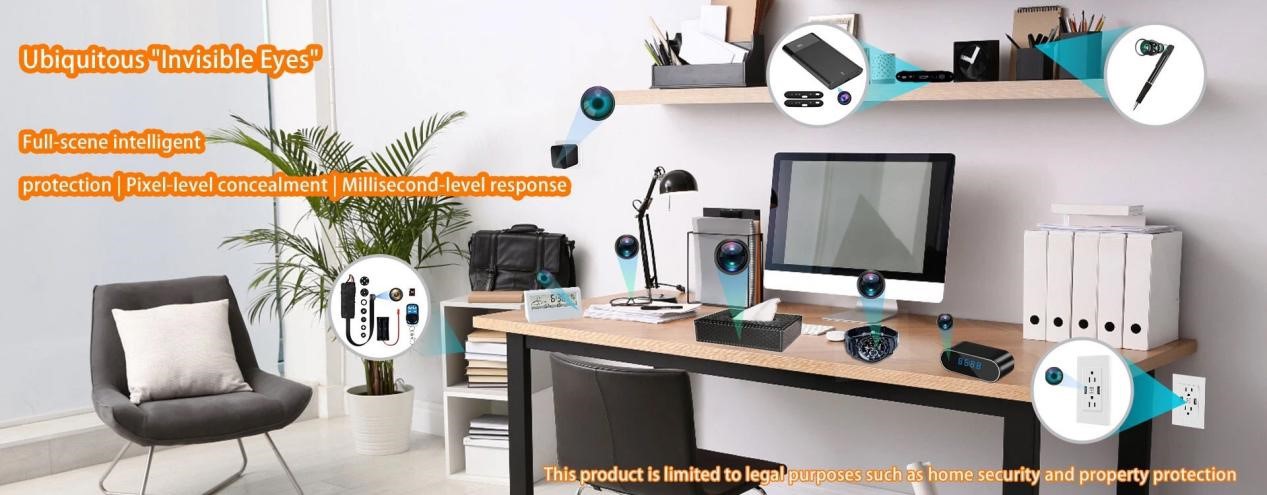
When choosing a hidden camera , one of the first questions users face is how many frames per second (FPS) the device should record. Frame rate determines how smooth the video appears and whether fast movements are captured accurately. Unlike conventional surveillance cameras, hidden cameras have additional constraints: limited battery capacity, compact hardware, and storage limitations. These factors make selecting the right FPS a balance between performance, efficiency, and reliability.
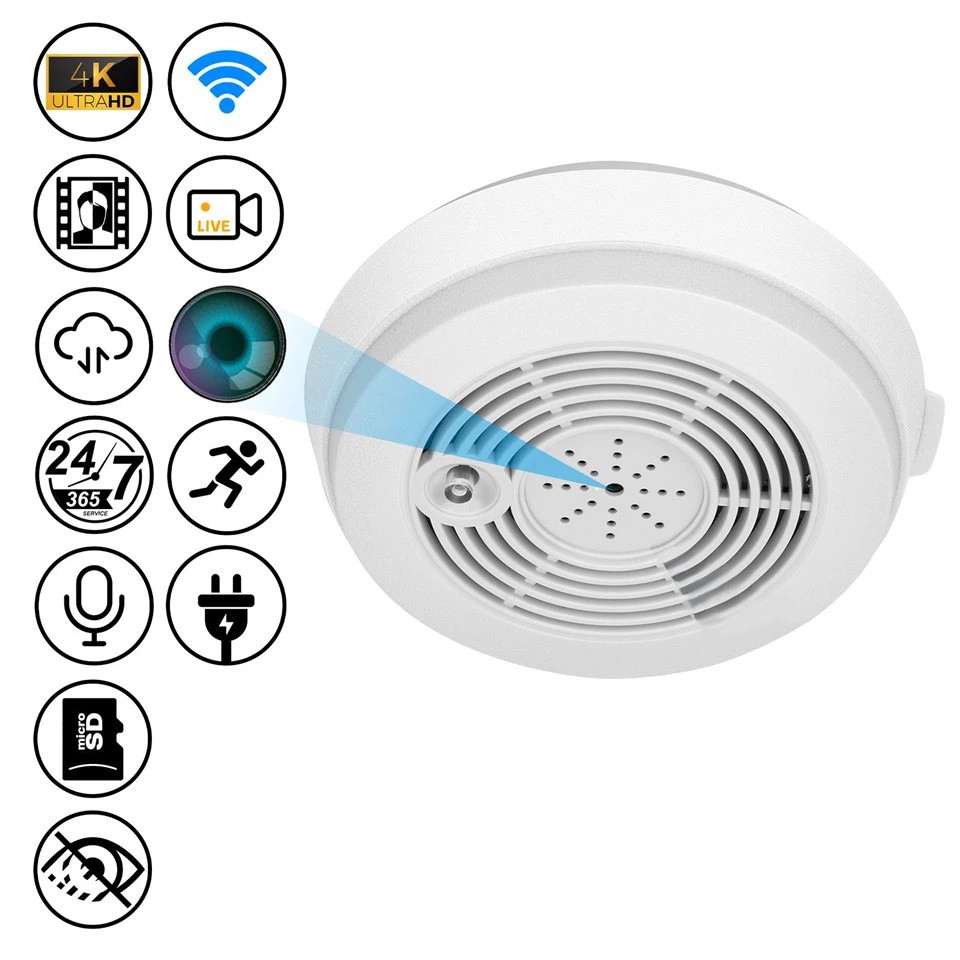
Understanding FPS and Its Impact on Hidden Camera Video
Frames per second (FPS) refers to the number of individual images a camera records every second. A higher FPS captures more detailed motion, while a lower FPS may make moving objects appear blurred. In hidden cameras, FPS directly affects:
- Motion clarity: capturing rapid movements such as someone walking through a hallway or opening a door.
- Storage: higher FPS increases file sizes, requiring larger SD cards or cloud capacity.
- Bandwidth: networked devices transmitting video in real time demand higher upload speeds for smooth performance.
For most hidden camera applications, the industry finds that 25–30 FPS provides a practical balance, allowing clear motion capture without excessive storage or battery drain. Fast-motion scenarios or post-event slow-motion analysis may benefit from higher FPS, but the trade-offs must be considered carefully.
Hidden Camera-Specific Considerations
Hidden cameras differ from standard CCTV systems due to their compact design and operational requirements. These characteristics influence how FPS should be selected.
Power and Hardware Constraints
Hidden cameras often use low-power embedded processors, such as ARM-based chips. Running at high FPS may cause processing bottlenecks, thermal throttling, or occasional device freezes. Devices with hardware-accelerated encoding can handle higher FPS more efficiently, but most compact hidden cameras still perform best within the 25–30 FPS range.
Bandwidth and Network Implications
IP or wireless hidden cameras transmit video over networks. For a 1080P camera:
- 30 FPS typically requires 4 Mbps upload bandwidth.
- 60 FPS doubles this requirement, often exceeding what a residential or small business network can reliably deliver.
Exceeding available bandwidth can result in dropped frames, lag, or delayed remote viewing.
Night Vision and Low-Light Performance
Hidden cameras using infrared LEDs or low-light sensors may not benefit significantly from FPS above 30 under extreme darkness. In these conditions, adequate illumination and sensor quality have a greater impact on usable footage than merely increasing frame rate.
These constraints make FPS selection a decision informed by both environment and device capabilities.
FPS Recommendations by Scenario
The optimal FPS depends on the monitoring environment and the type of activity expected. Below is an industry-aligned guide for hidden camera deployment:
|
Scenario |
Recommended FPS |
Reason |
|
Home or office surveillance |
25–30 |
Smooth video, manageable storage, long-term recording |
|
Hallways or entrances with fast motion |
30–60 |
Captures quick actions and allows slow-motion review |
|
Low-light/night monitoring |
15–20 |
Reduces noise, conserves battery, complements IR illumination |
|
Research or high-speed industrial analysis |
120+ |
Specialized applications; hidden cameras rarely used |
Most daily monitoring tasks, such as keeping an eye on office spaces or residential areas, are well-served by 25–30 FPS. Higher frame rates are justified only in environments with rapid motion or specialized recording requirements.
Balancing FPS with Storage, Compression, and Recording Modes
Choosing FPS for a hidden camera is inseparable from storage strategy and video encoding.
- Storage impact: A 1080P camera at 30 FPS consumes roughly 1.1 GB per hour, while 60 FPS doubles usage to 2.2 GB per hour. Seven days of continuous recording at 30 FPS requires ~185 GB.
- Compression optimization: Using H.265 encoding can reduce file sizes by 30–50% without noticeably affecting clarity, allowing higher FPS within storage limits.
- Recording modes: Continuous recording benefits from moderate FPS to prevent storage overflow. Motion-triggered recording can use higher FPS during events without excessive storage consumption. Event-based recording allows short bursts of 30–60 FPS for capturing fine details like faces or license plates.
Balancing these factors ensures that the camera operates efficiently while maintaining actionable video quality.
Legal and Privacy Considerations
Hidden cameras operate under stricter privacy and compliance requirements than conventional CCTV. Considerations include:
- Consent and notification: Public disclosure may be required in areas such as hotels, short-term rentals, or workplaces.
- Over-surveillance risks: High FPS captures more detail, which can be interpreted as excessive monitoring under some jurisdictions.
- Data security: Videos with more frames contain richer visual information, requiring encrypted storage and controlled access to prevent unauthorized use.
Selecting FPS responsibly involves evaluating both technical needs and legal obligations.
Conclusion
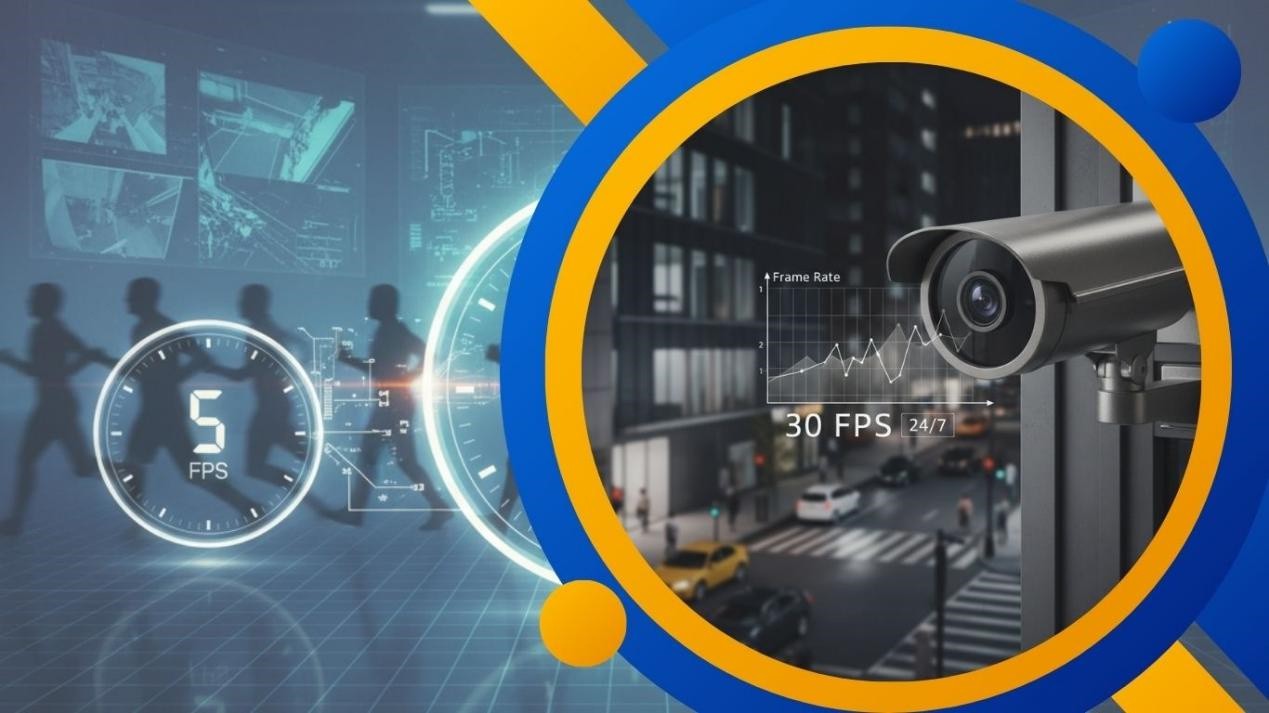
For most hidden camera applications, 25–30 FPS provides the best balance between smooth motion capture, storage efficiency, and battery life. Higher frame rates are justified only in scenarios requiring rapid-motion tracking or detailed slow-motion playback.
Selecting the right FPS should also consider compression, recording mode, hardware limits, and low-light performance. The final choice ensures reliable, actionable footage without overburdening the device or infrastructure.
Allcam , as an OEM hidden camera manufacturer, provides solutions optimized for these constraints, offering devices with real frame output, hardware-accelerated encoding, and power-efficient design. Contact our team to discuss custom hidden camera solutions tailored to your monitoring needs.
FAQ
Is 15 FPS enough for hidden cameras?
Yes, for low-activity areas like storage rooms or hallways, 15 FPS may suffice. It reduces storage and conserves battery life but may blur rapid movements.
Does a higher FPS always mean better quality?
Not necessarily. Image clarity depends on bitrate, sensor quality, lens, and low-light performance. A 30 FPS recording with sufficient bitrate can outperform a low-bitrate 60 FPS recording.
Can I upgrade FPS on existing hidden cameras?
Software interpolation can increase apparent FPS, but hardware constraints often limit true frame capture. Embedded SOCs, memory, and thermal limits set practical boundaries.
Why does 60 FPS require much more storage?
FPS directly correlates with the number of frames recorded per second. Doubling FPS doubles the data volume, increasing storage and network requirements.